A skin for Video.js 10 · by promopark.studio
A player
you can press
Built like a desk object: keys that latch, faders that scrub, a display that holds state.
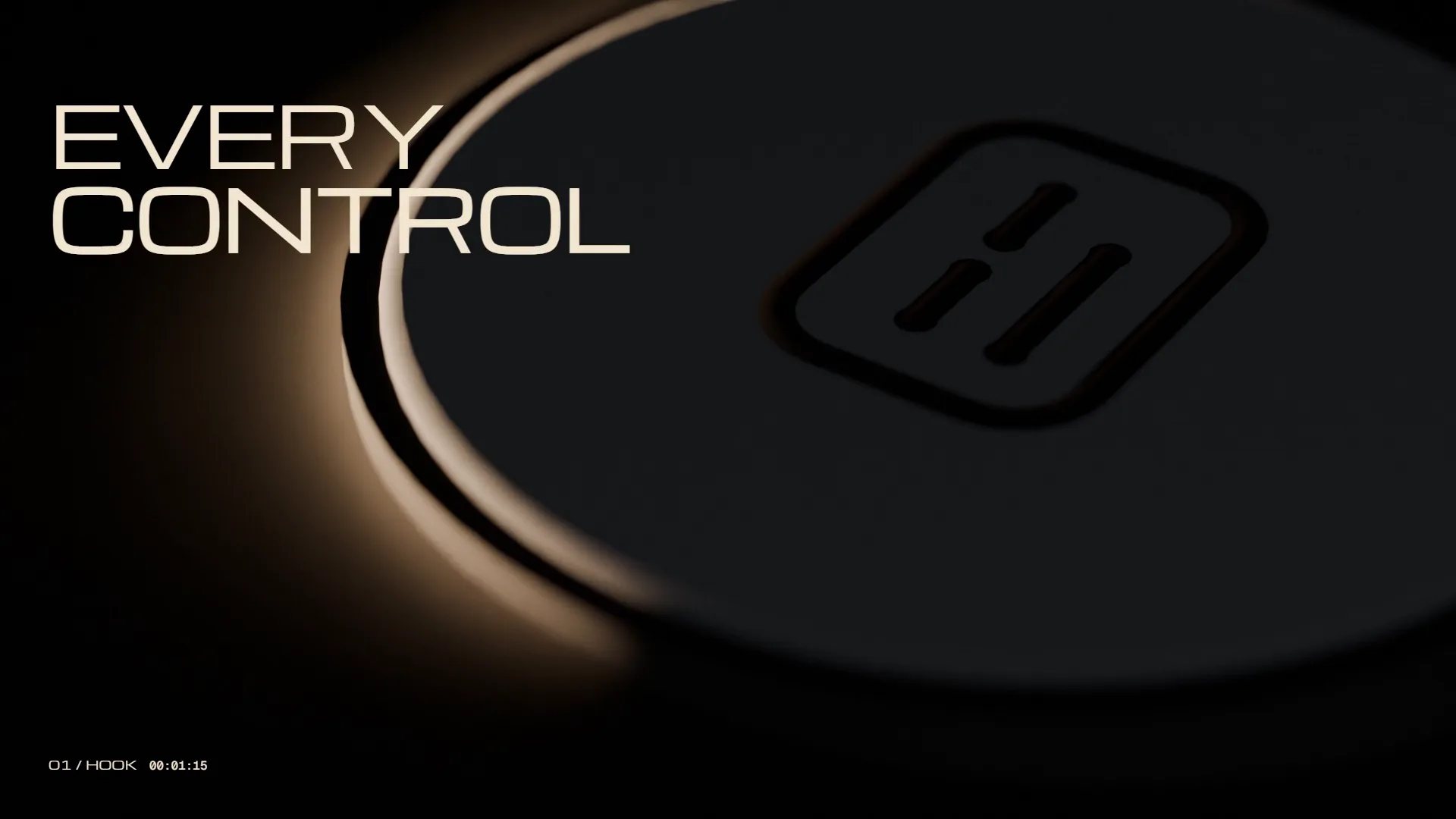
- Space K Play
- ← → Seek 5 s
- ↑ ↓ Volume
- M Mute
- C Captions
- F Full screen
Object first. Interface second.
We didn’t start in a design tool. We built a desk keypad in Blender, pressed it, lit it, and then flattened it piece by piece until it became the player.
- 1 · BRIEF Hi-fi panels and desk instruments, not screens. Matte, quiet, one accent.
- 2 · THREE DIRECTIONS Graphite read as a default dark UI; Instrument got busy. Paper Key won.
-
3 · THE OBJECT
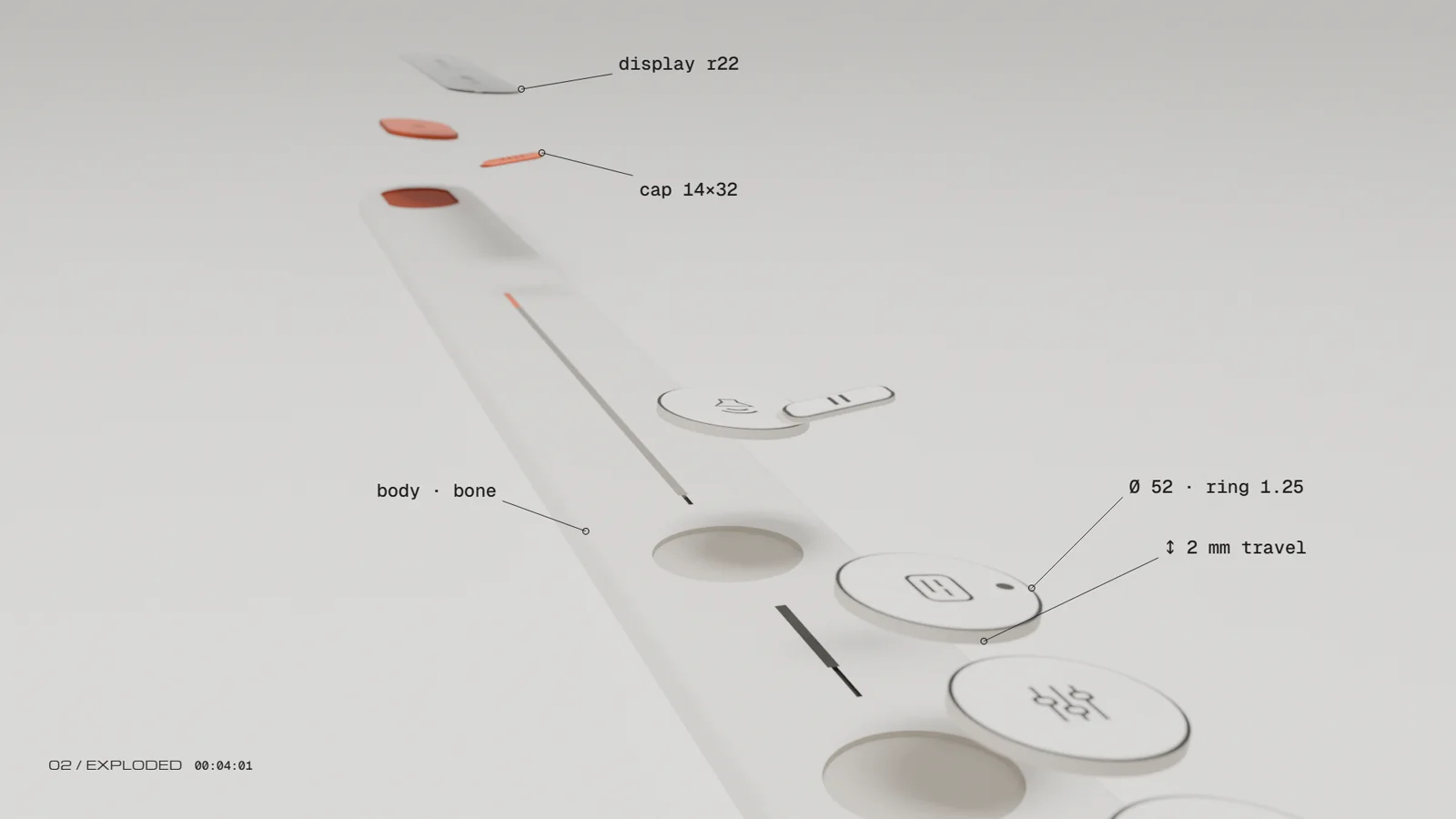 Real parts, real numbers: Ø 52 keys, 2 mm travel, a 14×32 fader cap.
-
4 · THE FLATTEN
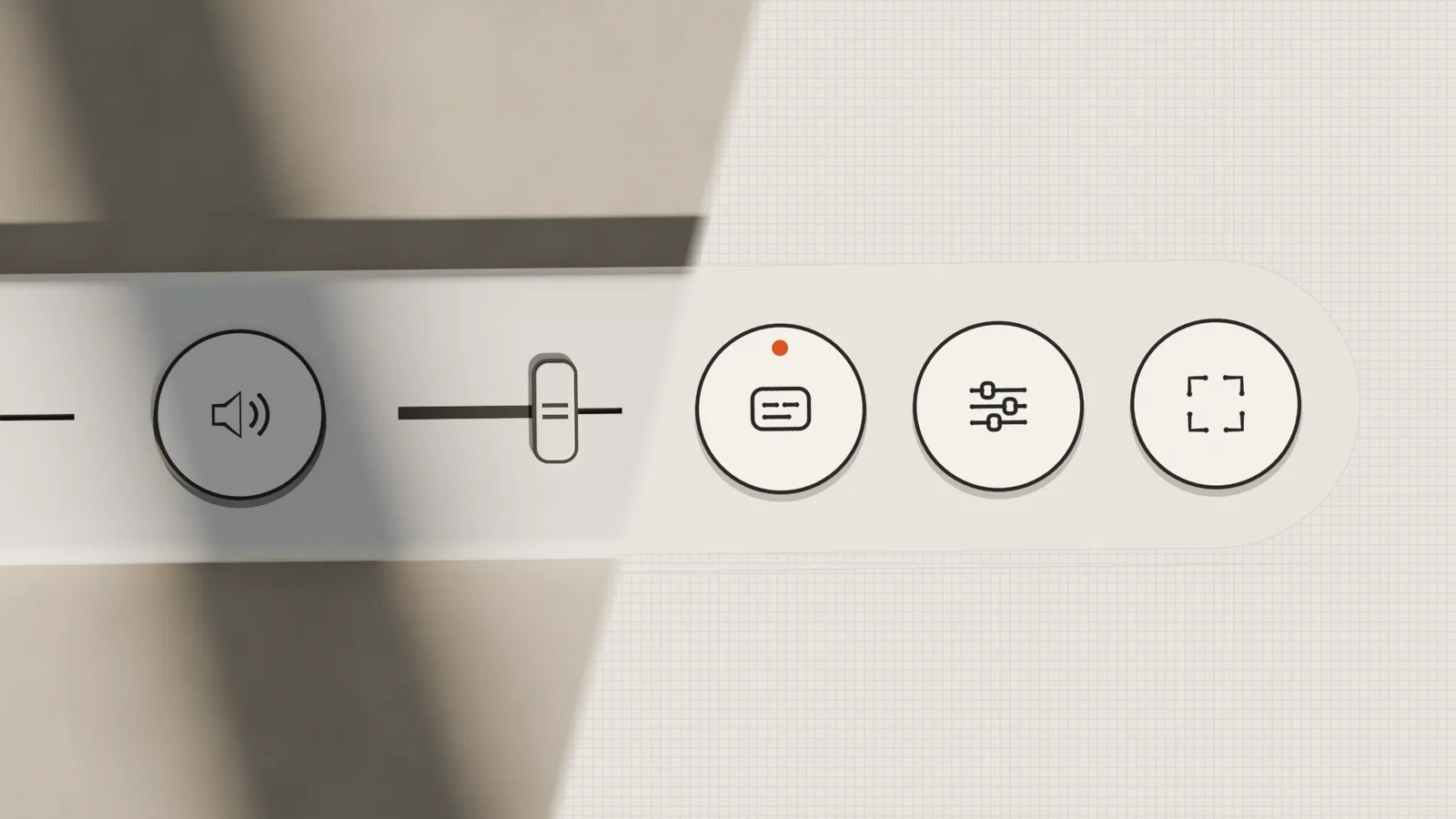 The engraved ring became a 1.25 px border. The groove became the timeline.
-
5 · THE SKIN
What ships: the same object, now CSS, over any footage.
▶ The film in the player above is this process, 27.5 seconds, rendered in Blender.
Eight parts. One dock.
Every control shows its own state on its face — latched, lit or moved — so you can read the player without opening anything.
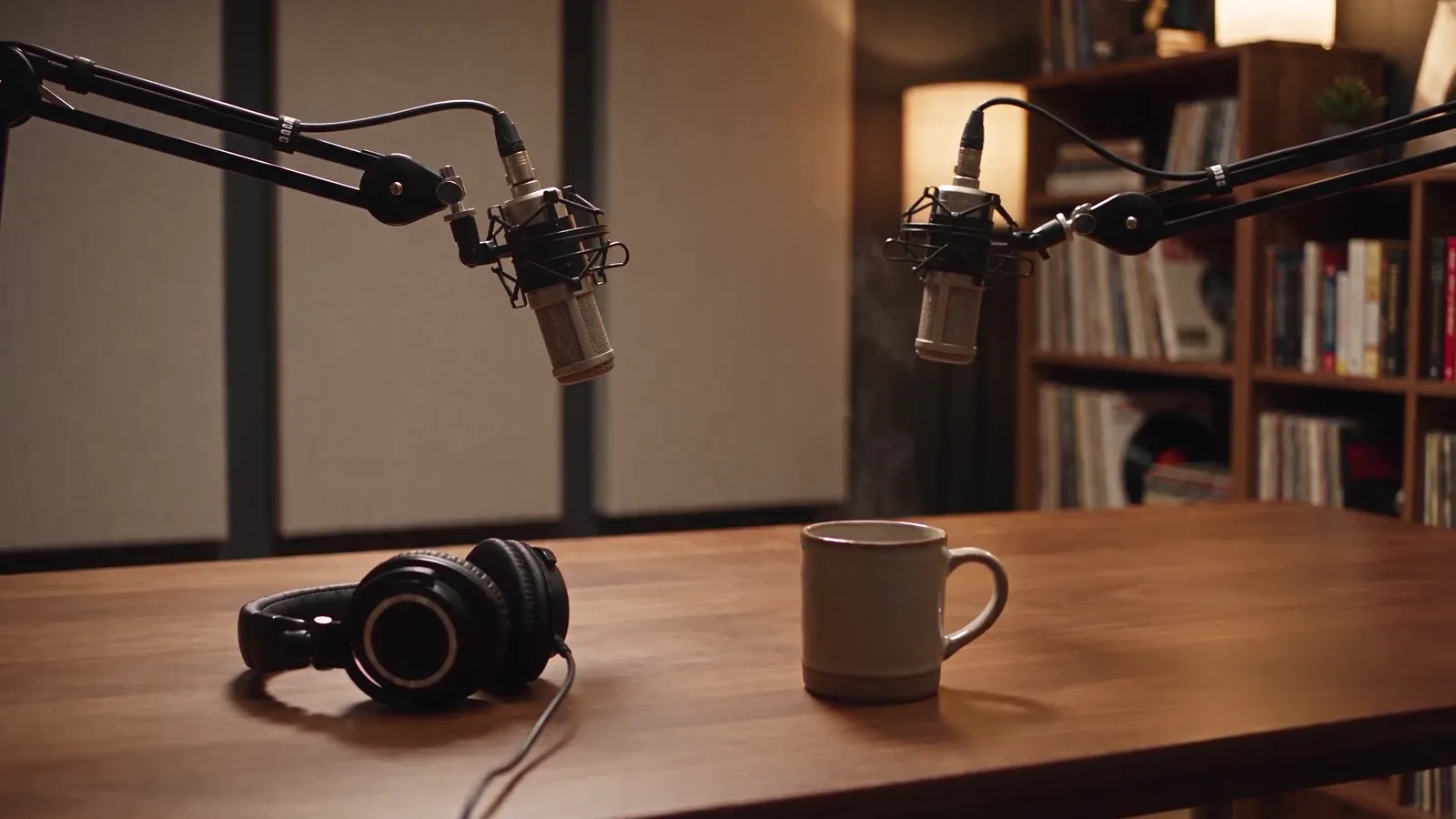
- 1
- 2
- 3
- 4
- 5
- 6
- 7
- 8
- 1 · PLAY KEYThe only orange key. Its glyph morphs between play and pause.
- 2 · DISPLAYState, speed and time in one black pill: PLAY 1.0×, PAUSED, LOADING, END.
- 3 · SEEK FADERA ribbed cap on an engraved line. Hover for a framed preview of that moment.
- 4 · MUTESpeaker glyph shows the level in waves; muted shows a cross.
- 5 · VOLUME FADERA short bone fader. Arrow keys move it in 5 % steps.
- 6 · CAPTIONSLatches down 1 px and takes a 2 px accent rim when on.
- 7 · SETTINGSSpeed, captions and quality, in a bone panel that opens from the key.
- 8 · FULL SCREENCorners out to enter, corners in to leave. The dock scales up to 1.25×.
Pick a glaze. Pick an accent.
Two settings restyle every part of the player: data-glaze for the material, --media-accent-color for the light. Try it on the real player.
Twelve moments. All designed.
Captured from the real player, not drawn. Mouse, keyboard and thumb.
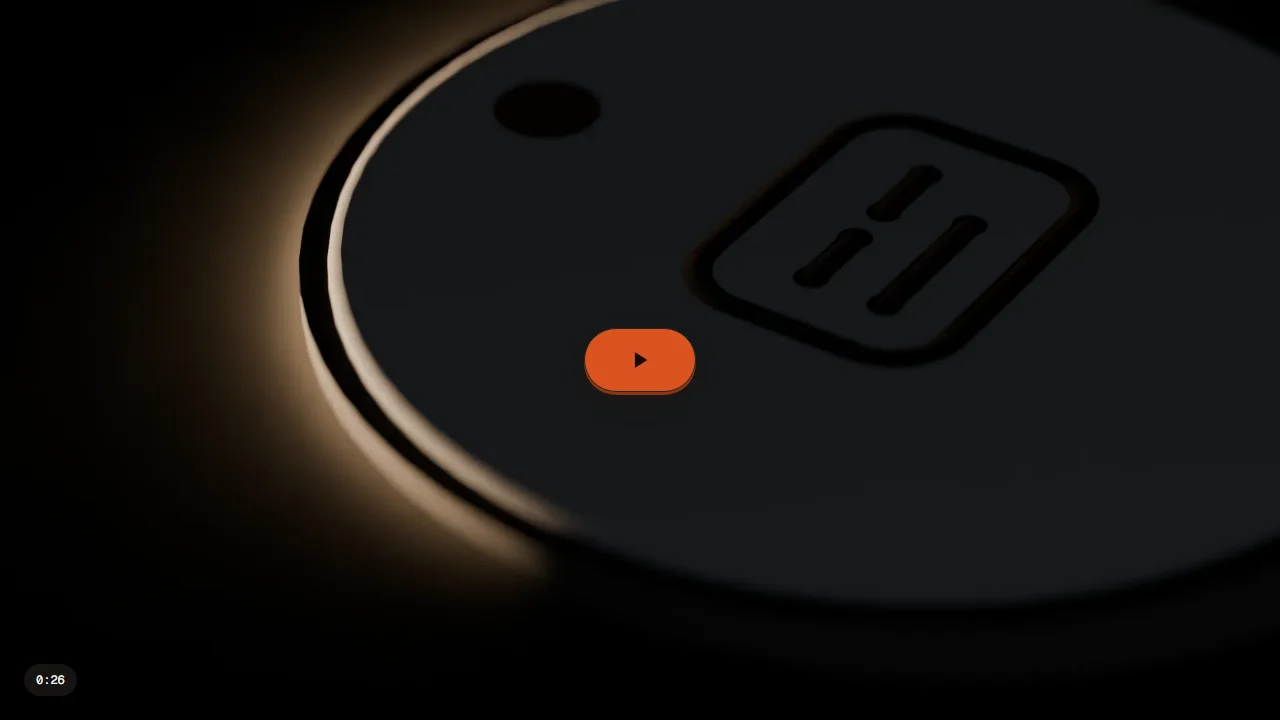 01 · STARTReady to playOne big key on the poster. Click, tap or Space.
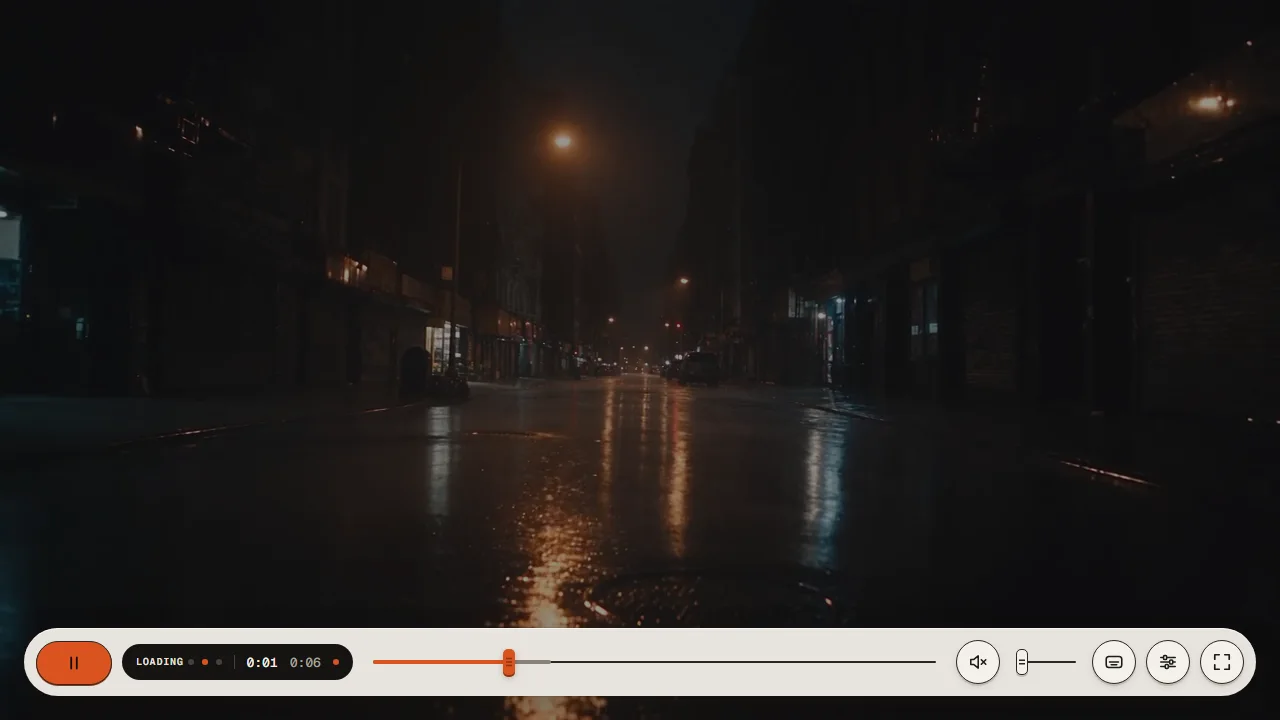 02 · STARTLoadingThree LEDs step in the display. Only after 400 ms.
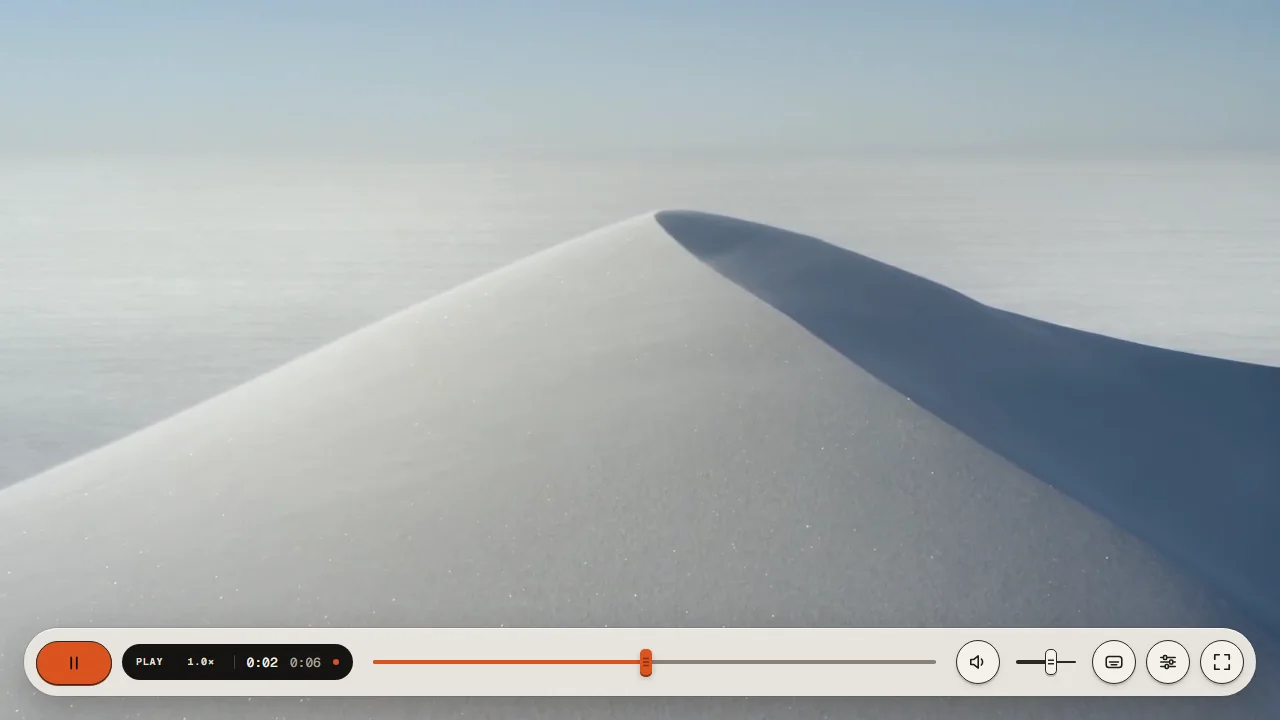 03 · WATCHINGPlayingThe dock: play, display, faders, keys.
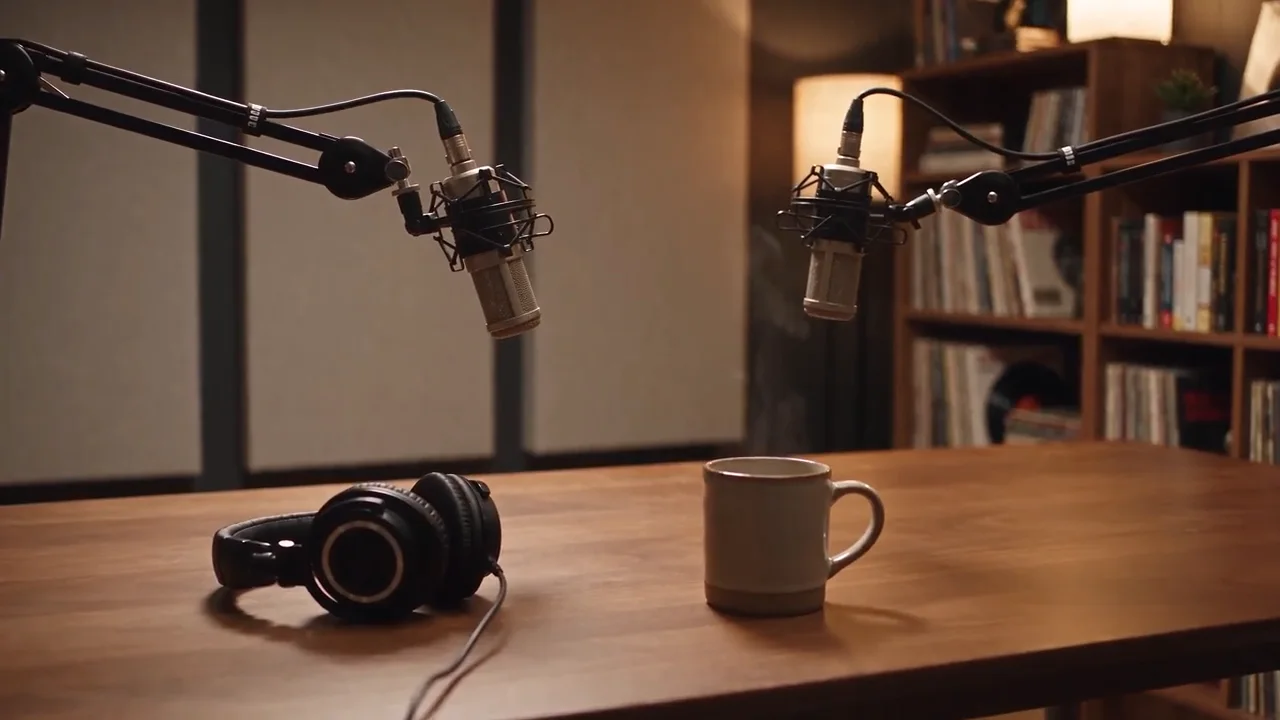 04 · WATCHINGControls hiddenFades away when the pointer rests.
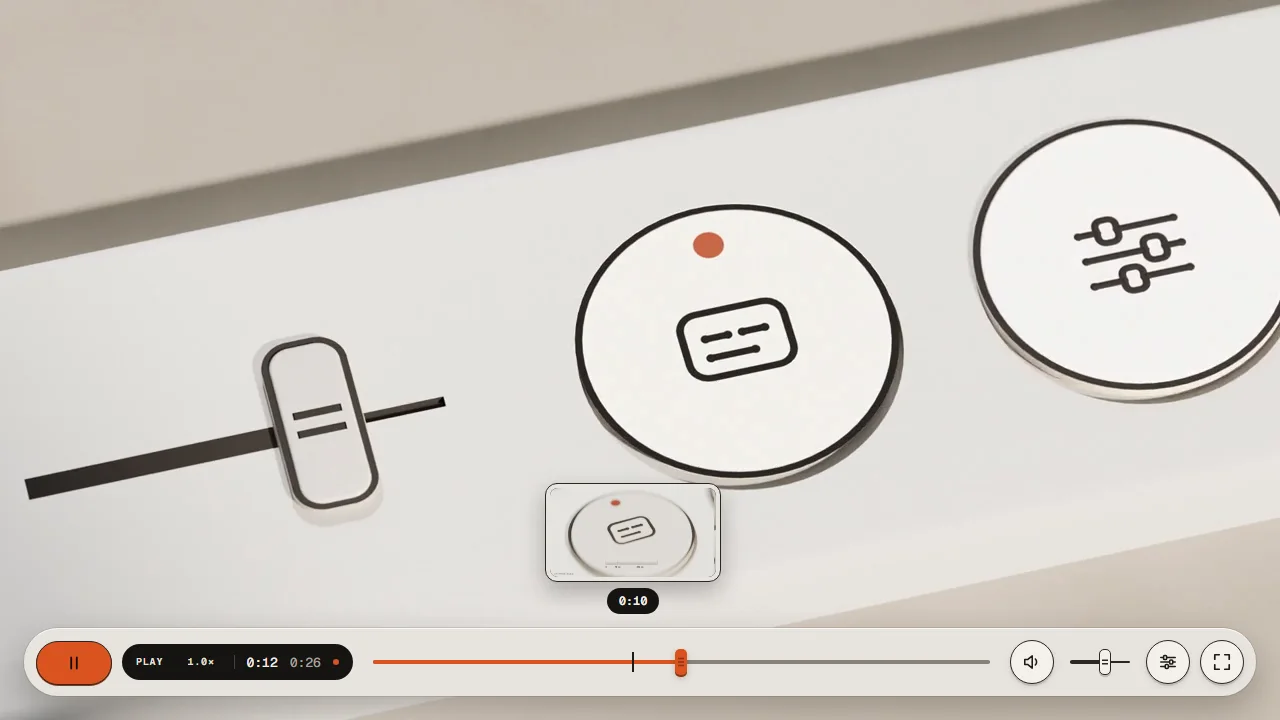 05 · FINDINGSeek previewA framed thumbnail follows the pointer.
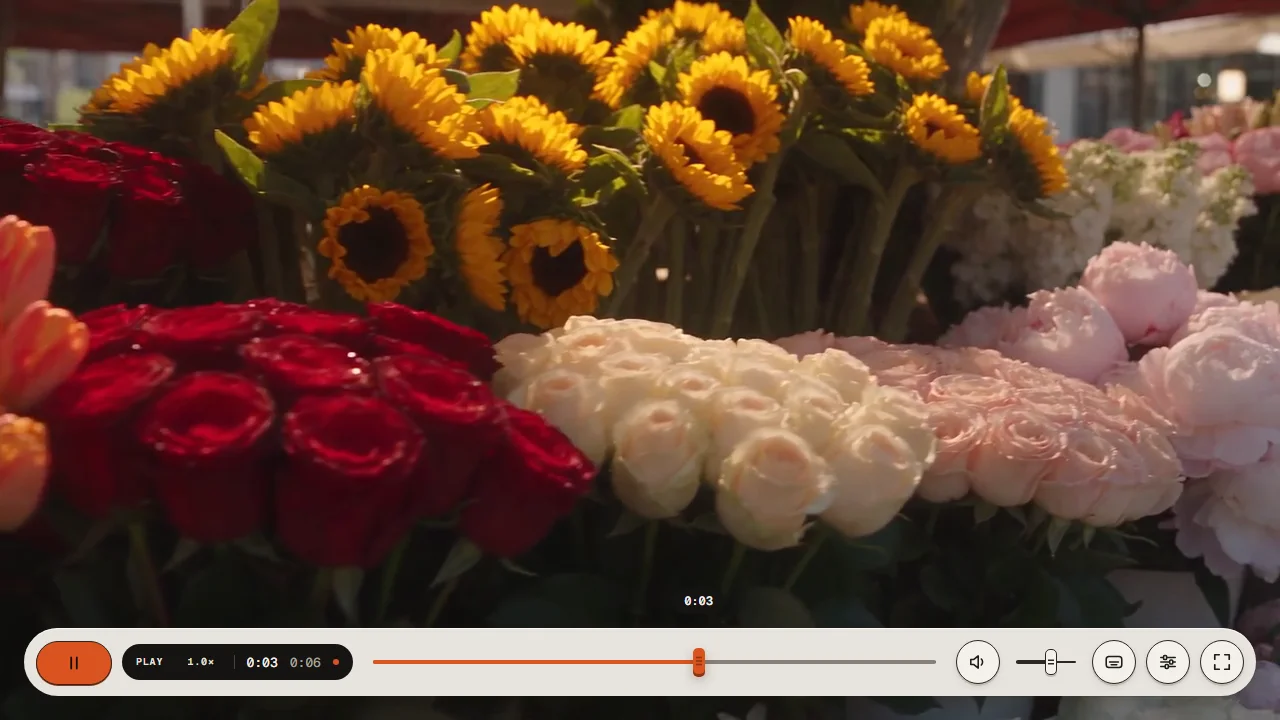 06 · FINDINGDraggingThe cap lifts 1 px while you hold it.
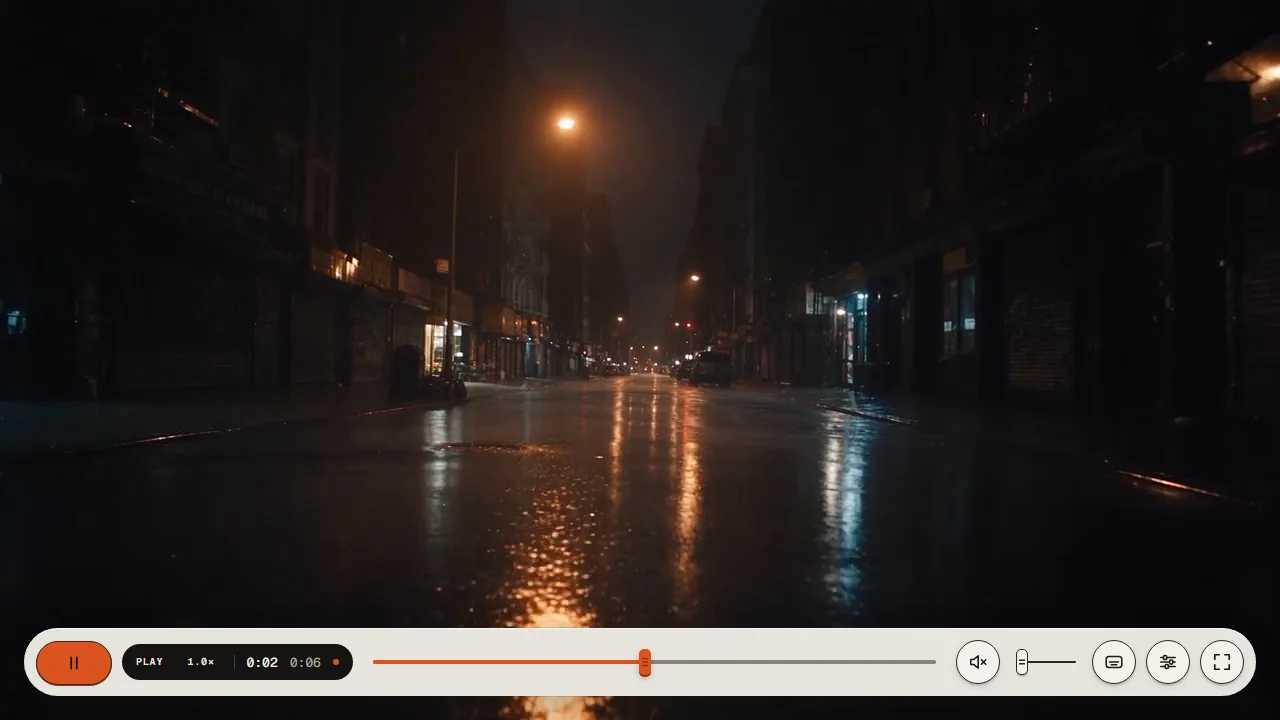 07 · SOUNDMutedSpeaker with a cross; the fader keeps its level.
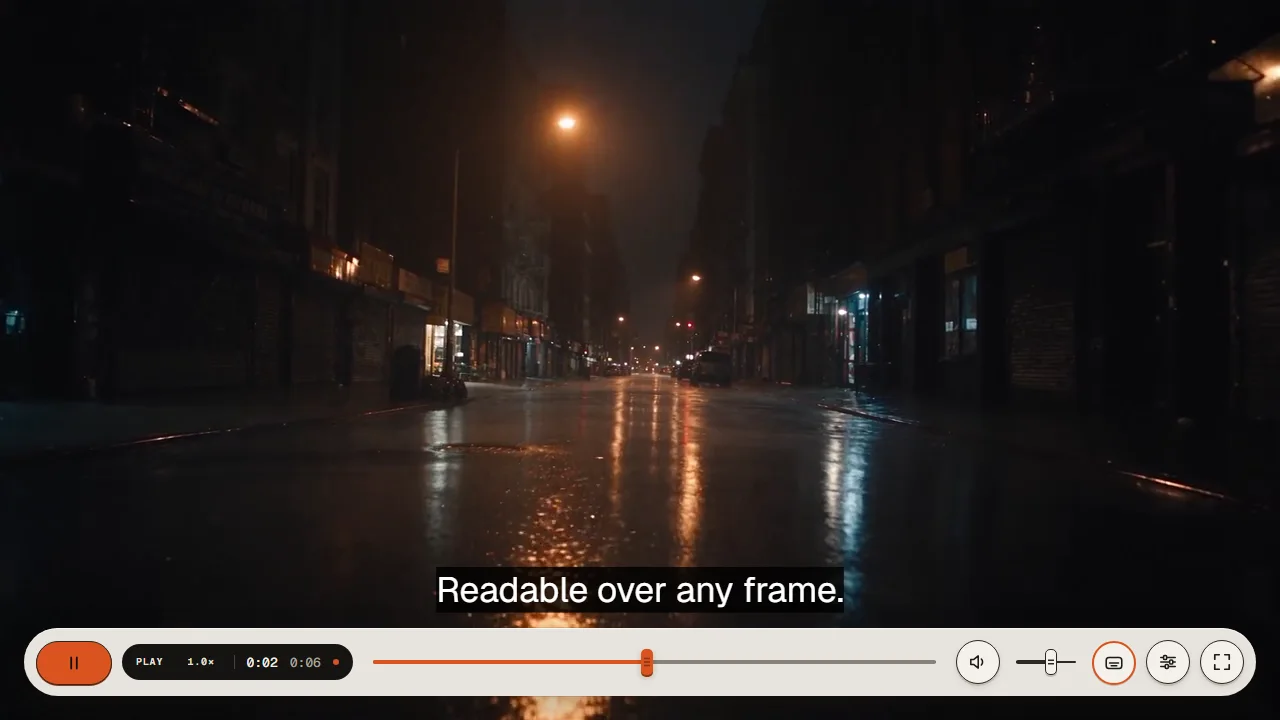 08 · CAPTIONSCaptions onKey latches with an accent rim, text above the dock.
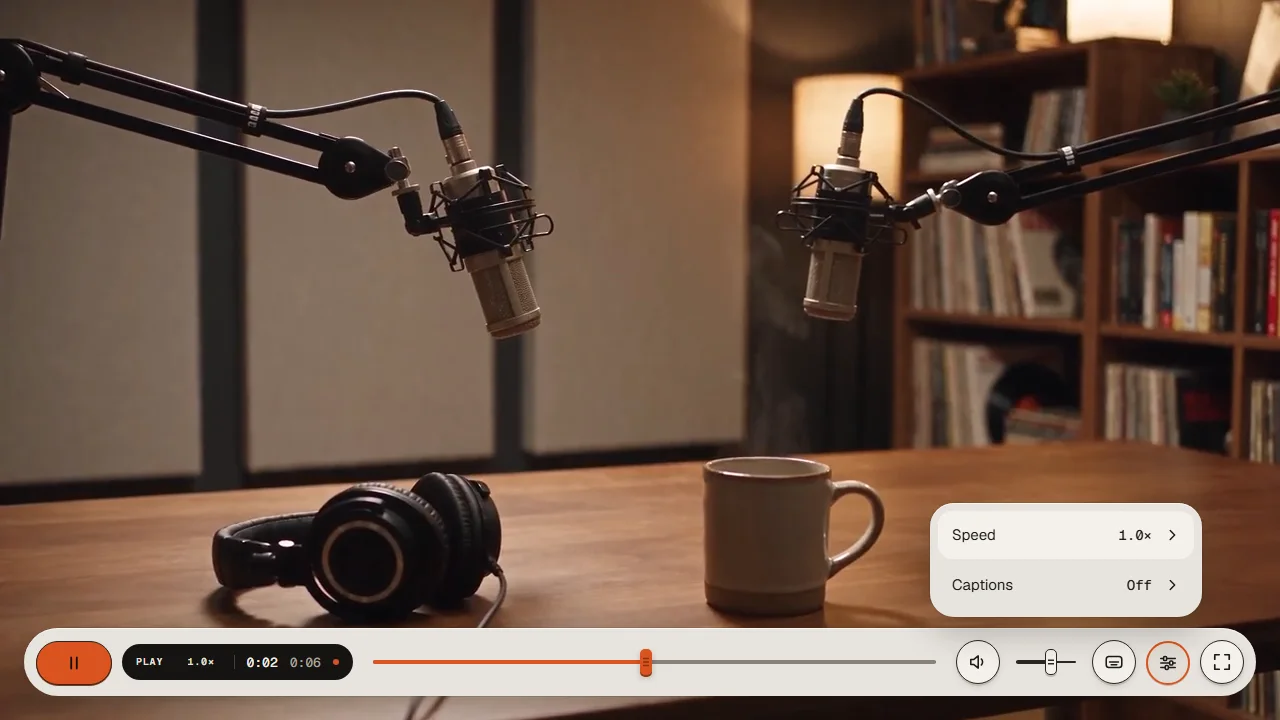 09 · SETTINGSMenu openSpeed, captions, quality in a bone panel.
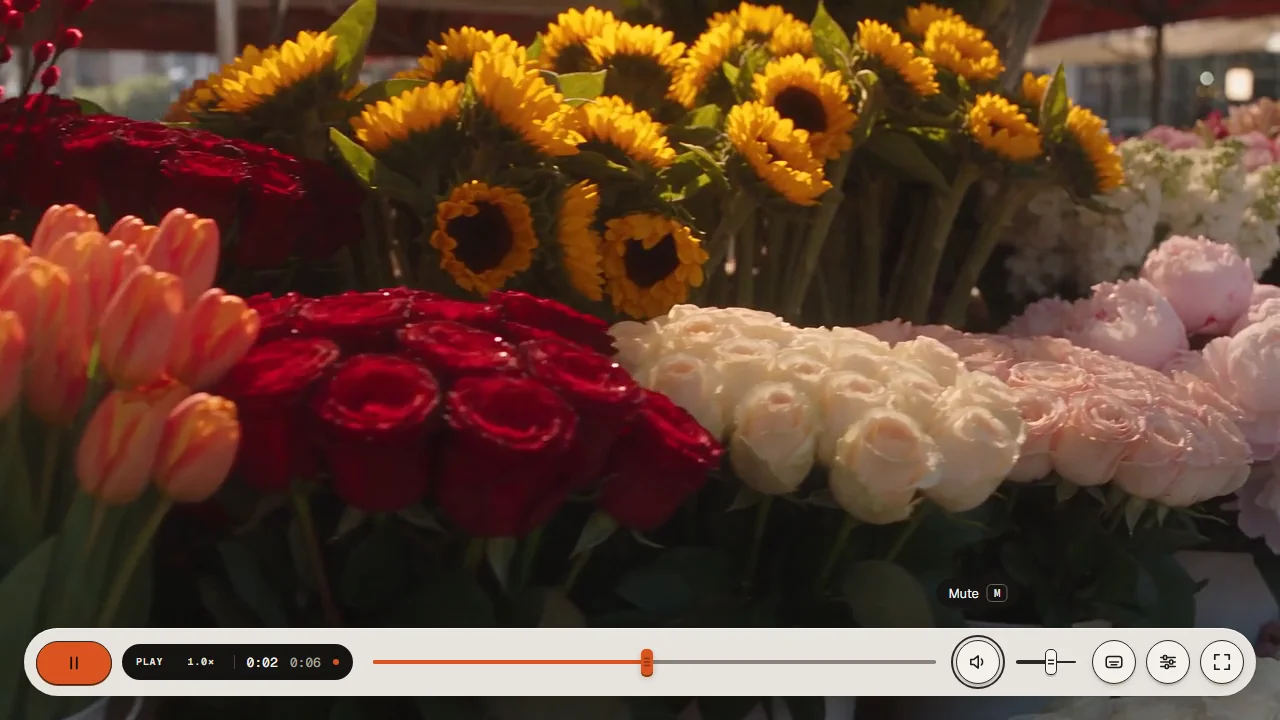 10 · KEYBOARDFocus + tooltipInk ring, name and shortcut in a pill.
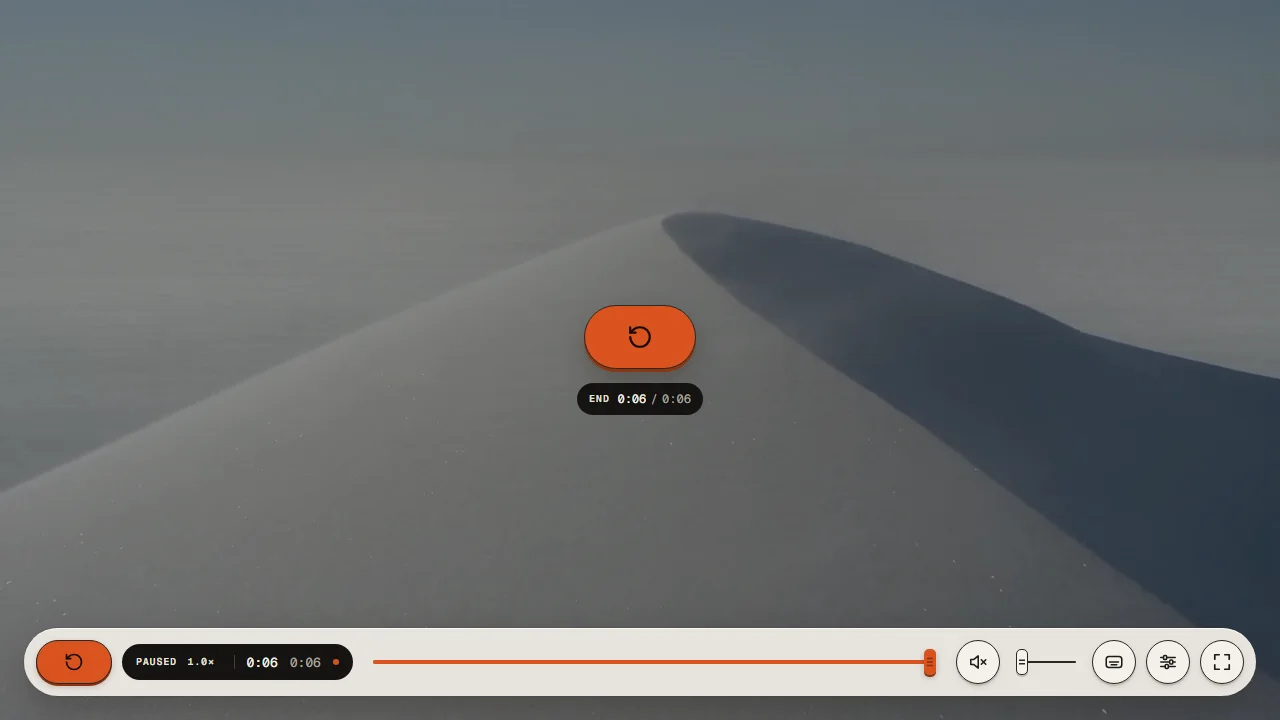 11 · ENDReplayThe big key returns with the replay glyph.
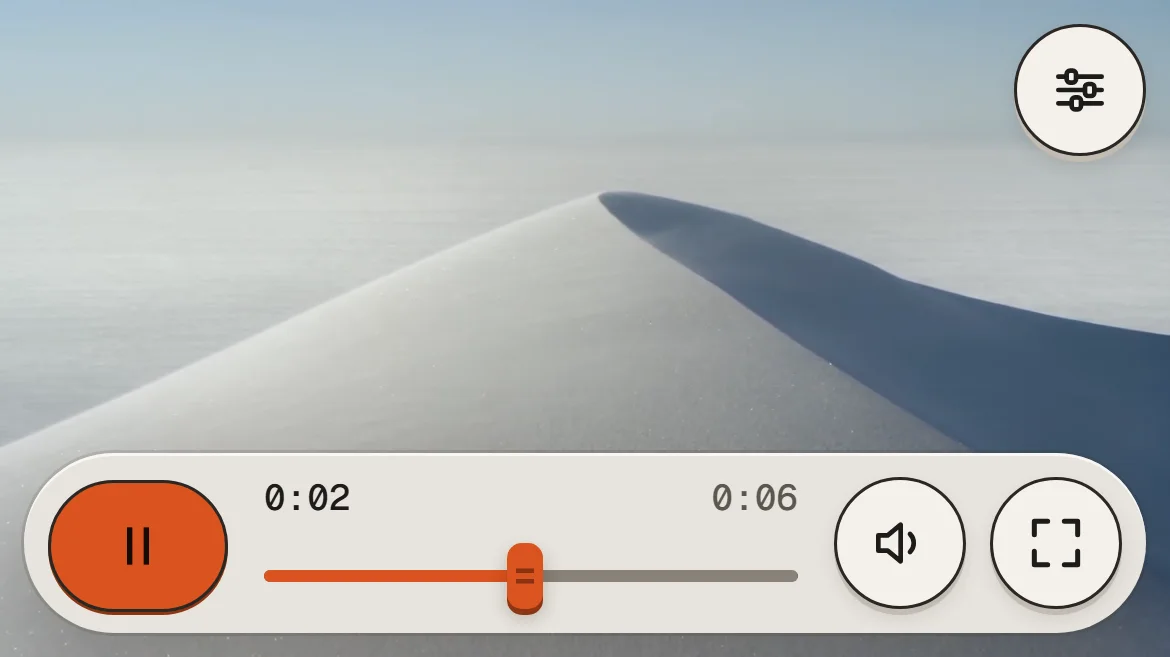 12 · PHONEPhone layout60 px dock, settings in the corner.
Readable over any frame.
The dock is opaque, so contrast never depends on the video. Switch the footage and watch nothing change.
- 0axe (WCAG 2.1 AA) violations, desktop and phone, menus open. report
- 13:1Ink on keys. Display text 16:1. Fills and fader lines ≥ 3:1 on every glaze.
- 44 pxMinimum target everywhere, including the 2 px timeline.
- 2 pxFocus ring, 3 px gap, separate from the pressed state. Keyboard only.
- HCForced colours: keys, accent rims and focus map to system colours.
- RMReduced motion: every state still changes; nothing travels.
Drawn to scale.
Dock 68 · radius 34 · padding 12 · gap 10 · accent rim 2 px · scales to 1.25× in full screen.
Dock 68 (60 on mobile) · radius 34 · padding 12 · gap 10 · rim 2 px.
COLOUR
SIZE
TYPE + MOTION
KNOWN LIMITS
- On iPhone, full screen hands over to iOS's own player: Safari only lets the video itself go full screen, so the skin steps aside until you leave it. On iPad and desktop the skin stays.
- iOS sets volume with the device buttons, so the volume fader hides there; Mute stays.
Four steps. Any site.
-
TERMINAL
npm i @videojs/html@10 -
TERMINAL
npx degit promoparkllc/tactile-paper-key/ src tactile-skin -
JS
import '@videojs/html/video/player'; import './tactile-skin/video/skin'; -
HTML
<video-player>
  <media-container class="media-skin media-container media-video"
                   data-theme="tactile" data-preset="video">
    <video src="clip.mp4" playsinline></video>
    <!-- then the rest of tactile-skin/video/skin.html, from <media-poster> on -->
  </media-container>
</video-player>
Source: github.com/promoparkllc/tactile-paper-key · Apache 2.0 · works with any Video.js 10 media element.